
Subaru Forester: SI-DRIVE / Intelligent (I) mode
For smooth, efficient performance driving
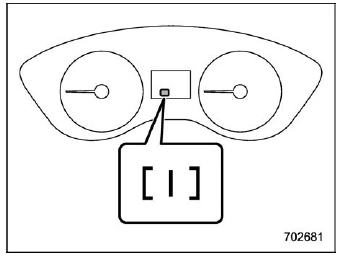
Type A
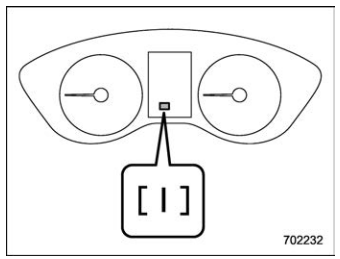
Type B
The linear acceleration characteristic of the Intelligent (I) mode is ideal for normal driving usage.
The Intelligent (I) mode provides wellbalanced performance with greater fuel efficiency and smooth driveability without stress. Power delivery is moderate during acceleration for maximum fuel efficiency. This is ideal for around-town driving and situations that do not require full power output. It provides better control in difficult driving conditions, such as slippery roads or loose surfaces, due to gentler throttle response.
 SI-DRIVE
S..
 Sport (S) mode (if equipped)
For all-around performance driving
Type A
Type B
The Sport (S) mode provides the engine power desired by those who want to
make
the driving experience their own personal
adventure...
Other information:
Kia Telluride (LQ2, 2027-2026) Owner's Manual: Battery replacement
The Kia Telluride smart key is powered by a 3V lithium battery, which typically provides reliable operation for several years under normal conditions. If you are not familiar with replacing the battery or have any concerns about the procedure, contact an authorized Kia dealer for assistance...
Subaru Forester 2019-2026 Owners Manual: Daytime running light system
WARNING When the daytime running lights are illuminated, the tail lights do not illuminate. When it becomes dark outside, turn the light switch to the position to illuminate the headlights and tail lights. This will improve visibility and allow other drivers to see your vehicle more easily...
Categories
- Manuals Home
- Changing a flat tire
- Alarm system setting
- Power steering warning light
- New on site
- Most important about car
Clock/date screen
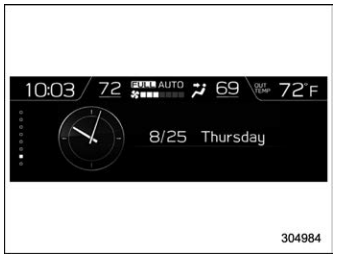
The time and date are displayed. You can adjust the time and date. For details, refer to “Clock”.

Copyright © 2026 www.suforester5.com