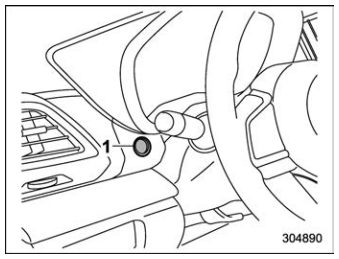
Subaru Forester: Idle Stop and Go (ISG) / ISG malfunction indicator
|
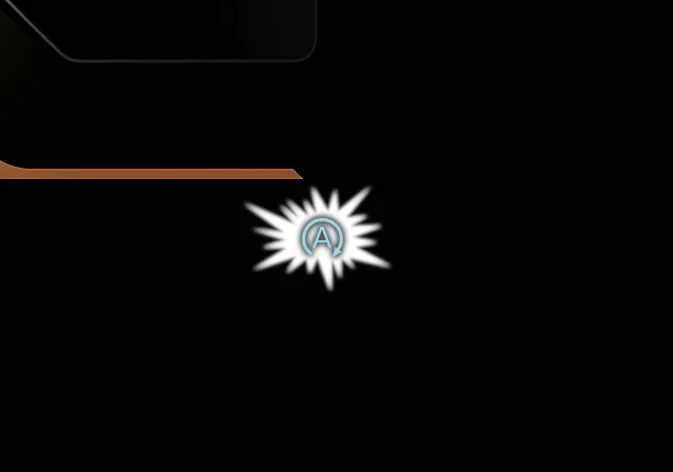
If an ISG-related sensor or system fault occurs, the Idle Stop & Go system may not operate normally, and the following indications may appear:
-
The yellow AUTO STOP indicator (
 ) blinks for approximately 5 seconds and then remains illuminated on the instrument cluster.
 -
The indicator light on the ISG OFF button turns on.
If the ISG system continues to operate incorrectly, have your Kia Telluride inspected by an authorized Kia dealer.
When the engine is in Idle Stop mode, it may restart automatically even without direct driver action. Before leaving the vehicle or performing any work in the engine compartment, switch the vehicle off completely to stop the engine.
TIP
If the Absorbent Glass Mat (AGM) battery is replaced or reconnected, ISG may not operate immediately. The battery sensor must calibrate for approximately 4 hours while the vehicle is in the OFF position. After calibration is complete, start and stop the engine 2 or 3 times to help restore normal ISG operation.
 Deactivating the ISG
To deactivate ISG, press the ISG OFF button. The indicator light on the button illuminates.
To reactivate ISG, press the ISG OFF button again. The indicator light on the button turns off.
..
 Smart ISG
Early Engine Restart
When the Idle Stop & Go system automatically stops the engine, Early Engine Restart in the Kia Telluride can restart the engine without driver input if the front-view camera detects that the vehicle ahead has begun moving away...
Other information:
Subaru Forester 2019-2026 Owners Manual: Engine oil
CAUTION If the level gauge cannot be pulled out easily, twist the level gauge right and left, then gently pull it out. Otherwise, you may be injured accidentally straining yourself. Use only engine oil with the recommended grade and viscosity...
Kia Telluride (LQ2, 2027-2026) Owner's Manual: Over-The-Air (OTA) software update
The Over-The-Air (OTA) software update feature allows your Kia Telluride to receive the latest compatible software wirelessly without requiring a visit to a service center. By keeping the vehicle software up to date, you can benefit from the newest available system improvements and feature enhancements designed for your vehicle...
Categories
- Manuals Home
- RAB warning light (if equipped)
- Power steering warning light
- Reclining the seatback (if equipped)
- New on site
- Most important about car
Average fuel consumption
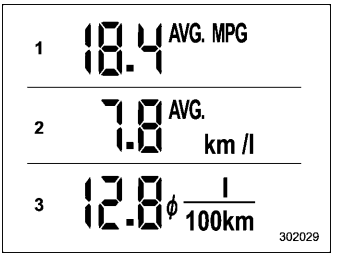
This display shows the average rate of fuel consumption since the trip meter was last reset.