
Subaru Forester: Idle Stop and Go (ISG) / Smart ISG
Early Engine Restart
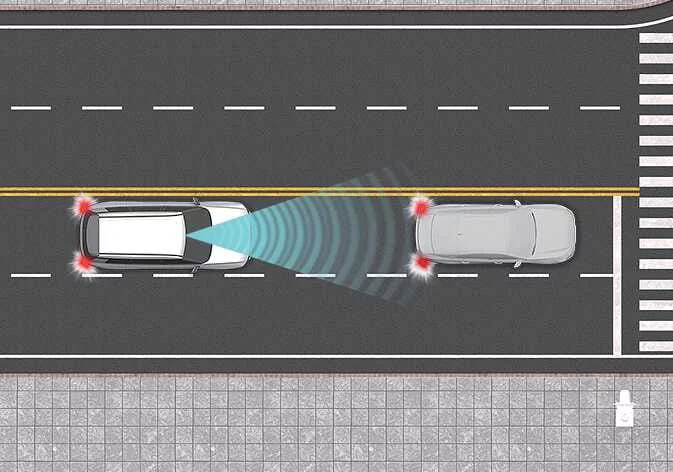
When the Idle Stop & Go system automatically stops the engine, Early Engine Restart in the Kia Telluride can restart the engine without driver input if the front-view camera detects that the vehicle ahead has begun moving away.
|
|
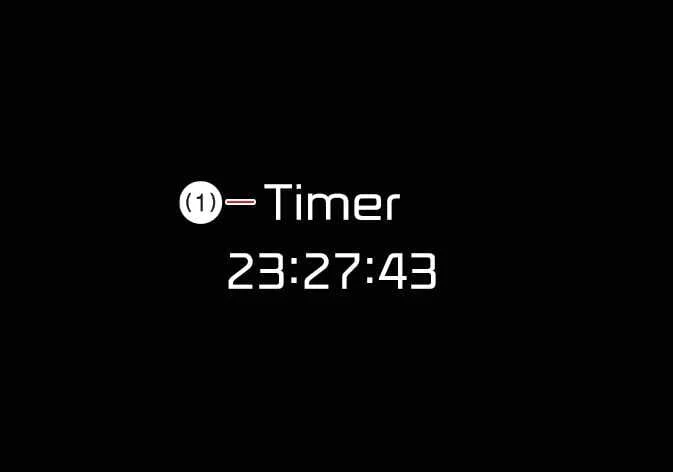
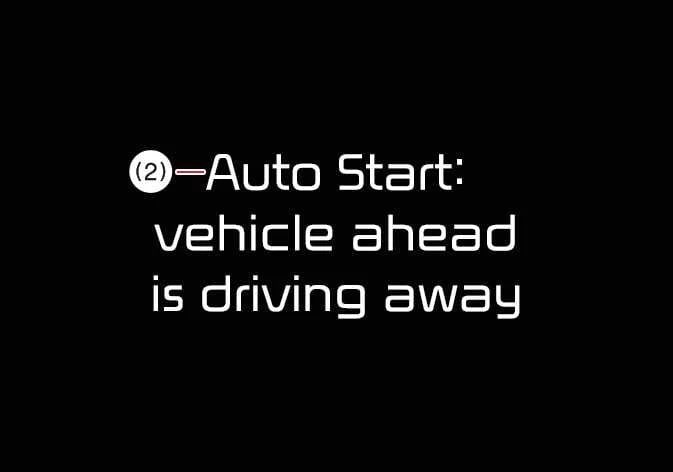
If Early Engine Restart automatically restarts the engine, a related message appears on the instrument cluster when the AUTO STOP page is selected, if the Kia Telluride is equipped with this display function.
|
|
TIP
-
Even if the vehicle ahead begins moving, Early Engine Restart may not restart the engine in every situation because the function depends on front-view camera detection and the camera’s ability to recognize the movement of the vehicle ahead.
-
For additional details about front-view camera restrictions, refer to the Limitations of Smart ISG features section.
-
When ISG has stopped the engine, you can restart it at any time, regardless of Early Engine Restart operation, by releasing the brake pedal.
ISG inhibition at traffic signs (STOP, YIELD, and Roundabout)
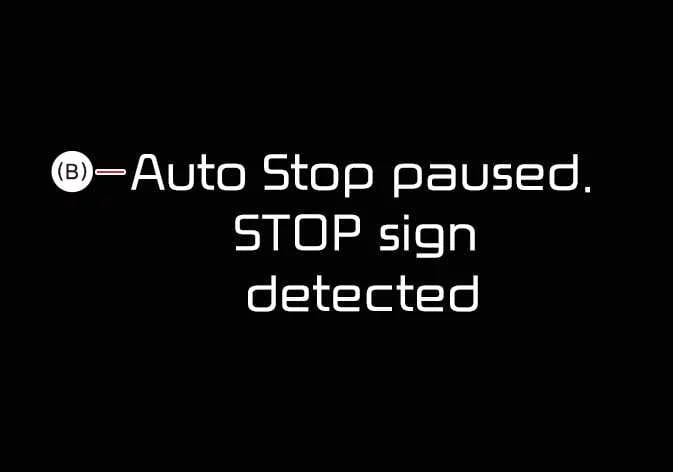
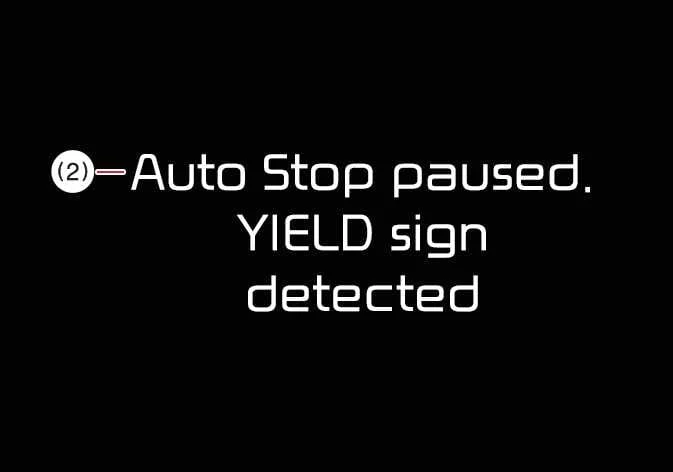
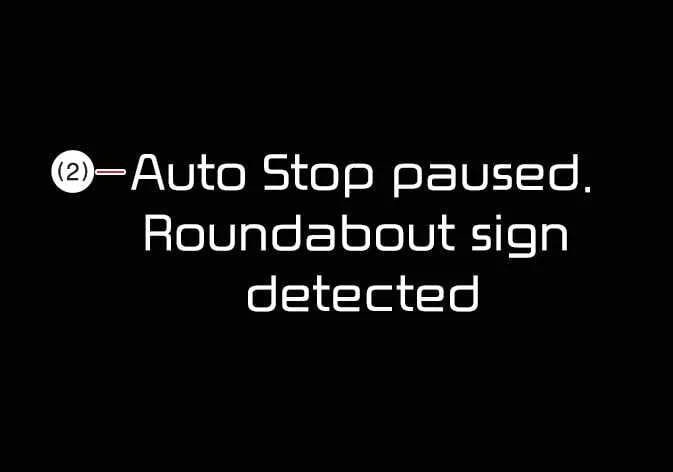
Smart ISG can keep the engine ON at certain traffic signs, including STOP, YIELD, and Roundabout signs, by inhibiting or deactivating the automatic stop function when those signs are detected.
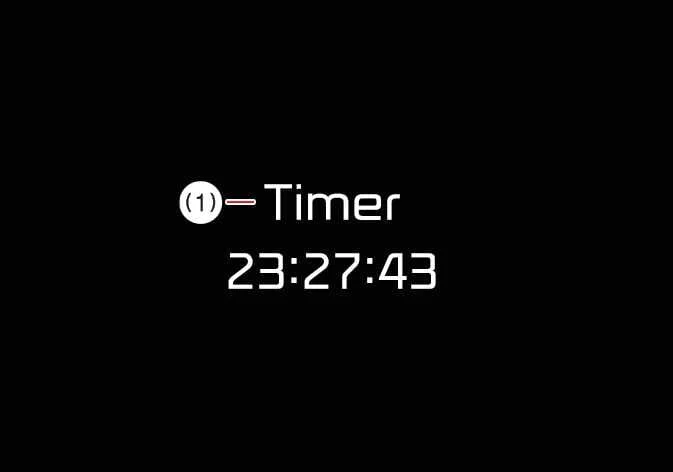
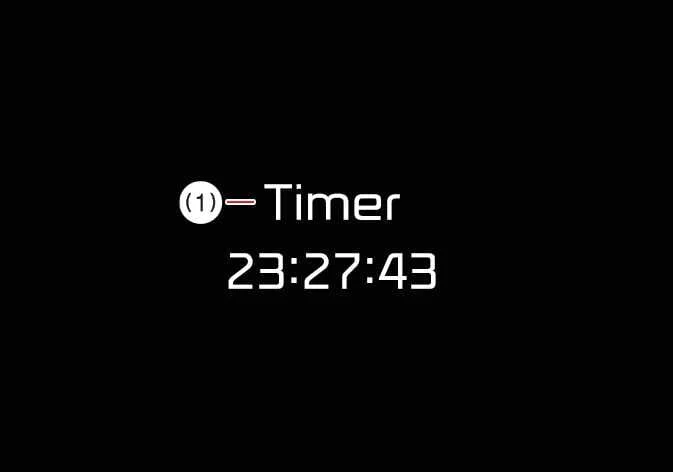
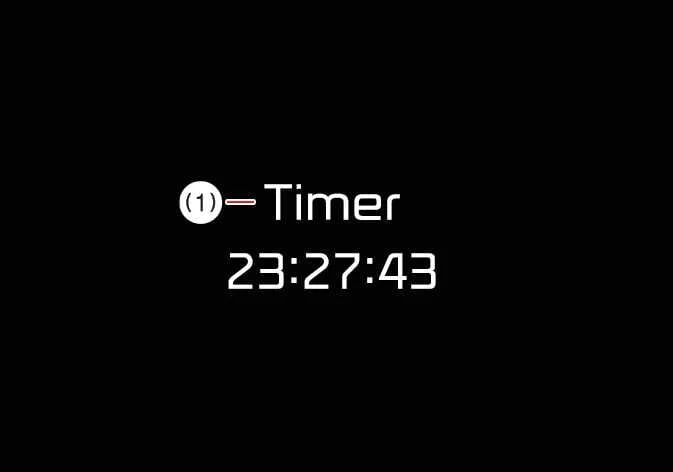
If the Kia Telluride detects a STOP, YIELD, or Roundabout sign and ISG inhibition pauses the system, a message appears on the instrument cluster when the AUTO STOP page is selected, if equipped.
|
|
|
|
|
|
TIP
-
Even when the vehicle stops near a STOP, YIELD, or Roundabout sign, ISG inhibition may not always deactivate Auto Stop because the function depends on the front-view camera and its ability to clearly detect the traffic sign ahead.
-
For more information about the front-view camera’s detection limits, refer to Limitations of Smart ISG features.
TIP
Limitations of Smart ISG features
-
Smart ISG features may operate abnormally, inconsistently, or unexpectedly under the following conditions:
-
The detection sensor or the surrounding area is dirty, blocked, or damaged.
-
The temperature around the front-view camera is extremely high or extremely low.
-
The camera lens is obstructed by windshield tint, film, coating, damaged glass, or objects attached to the glass such as stickers or insects.
-
Moisture, frost, snow, or ice is present on the windshield.
-
The Kia Telluride is being driven in heavy rain, snow, or dense fog.
-
Strong glare from direct sunlight blocks or reduces the front-view camera’s field of vision.
-
Light from street lamps or oncoming vehicles reflects from a wet road surface, such as puddles or glossy pavement.
-
The vehicle is being towed.
-
The surrounding environment is excessively bright or excessively dark.
-
Brightness changes suddenly, such as when entering or exiting a tunnel.
-
Exterior light is low, and the headlights are not ON or are not bright enough.
-
Only part of the vehicle ahead is detected by the camera.
-
The vehicle ahead is a bus, heavy truck, or a vehicle carrying bulky cargo or towing a trailer.
-
The vehicle ahead has no tail lights or has an unusual tail light arrangement.
-
The rear of the vehicle ahead is small, tilted, overturned, damaged, or otherwise unusual in appearance.
-
The vehicle ahead has ground clearance that is extremely low or extremely high.
-
A vehicle, pedestrian, or cyclist suddenly cuts in front of your Kia Telluride.
-
The vehicle ahead is detected late.
-
The vehicle ahead is suddenly hidden by another obstacle.
-
The vehicle ahead suddenly changes lanes or reduces speed.
-
The vehicle ahead is deformed or has an unusual body shape.
-
The vehicle ahead steers in the opposite direction from your vehicle to avoid a collision.
-
You change lanes at low speed while another vehicle is ahead.
-
The vehicle ahead is covered with snow.
-
Your vehicle is leaving or returning to the lane.
-
Your driving path is unstable.
-
The Kia Telluride is traveling through a traffic circle, and the curvature of the road limits detection of the vehicle ahead.
-
The vehicle is continuously driving in a circular path.
-
The vehicle ahead has an unusual shape that makes camera recognition difficult.
-
-
The front-view camera may fail to recognize certain traffic signs under the following circumstances:
-
The signs are positioned uphill or downhill away from the vehicle’s direct line of travel.
-
The signs are located several lanes away from the Kia Telluride.
-
The signs are partly or completely blocked by another vehicle, a tree, roadside object, or other obstacle.
-
The signs are damaged, faded, modified with stickers, or covered with graffiti.
-
The signs are turned away from the vehicle and are not clearly visible to the front-view camera.
-

 Drive mode integrated control system. DRIVE MODE
The drive mode integrated control system in the Kia Telluride allows the driver to choose a driving mode that best matches current road conditions, the surrounding environment, or personal driving preference...
Other information:
Subaru Forester 2019-2026 Owners Manual: Inattentive/drowsy driving warning
While driving, the Driver Monitoring System monitors possible cases of driver inattention or drowsiness and warns the driver. When the inattentive/drowsy driving warning activates, the buzzer sounds and an interrupt display appears. NOTE The inattentive/drowsy driving warning operates regardless of the status of the user recognition function...
Kia Telluride (LQ2, 2027-2026) Owner's Manual: Light bulb position (Rear)
Figure 1. Rear combination lamp (Type A) Figure 2...
Categories
- Manuals Home
- Reclining the seatback (if equipped)
- If the passenger’s frontal airbag OFF indicator illuminates and the ON indicator turns off even when the front passenger’s seat is occupied by an adult
- Changing a flat tire
- New on site
- Most important about car
How to get the source code using the open source
Free/Open Source Software Information
This product contains Free/Open Source Software (FOSS).
The license information and/or the source code of such FOSS can be found at the following URL.
http://www.globaldenso.com/en/opensource/ivi/subaru/
